



KEVIN® + Home Assistant
Connect KEVIN® to Home Assistant
KEVIN® is compatible with Home Assistant. Here is how to build your presence simulation into automations, dashboards and scenes - for example, KEVIN® starts automatically as soon as everyone has left the house.
The key points at a glance
Set up in minutes right inside Home Assistant; sign in with your KEVIN® account.
The «KEVIN® Presence» card shows status, mode and schedule and controls KEVIN® directly.
KEVIN® starts, pauses or alerts you - based on presence, time or other devices.
Home, holiday flat and office on a single dashboard.
1Installation in four steps
It only takes a few minutes. The video above shows every step.
- Open the Marketplace: In Home Assistant, go to Settings → Marketplace.
- Add the repository: Choose «Add from link» in the upper-right corner and enter https://github.com/kevin-mitipi/KEVIN.
- Install KEVIN®: Open KEVIN® in the list and click Install.
- Sign in: The setup opens the sign-in page. Sign in with your KEVIN® account (Google, Apple or email) - done.
Home Assistant 2026.10 and older: add KEVIN® through HACS as a custom repository.
2Dashboard card, controls and sensors
After installation, all your KEVIN® devices appear as devices in Home Assistant.
- «KEVIN® Presence» card with status, mode and schedule
- Power on and off, reboot and mode selection
- Sensors for connectivity, firmware, current mode and schedule
- Activity history: when KEVIN® ran and who switched it
3Automation examples
The video shows these three automations step by step:
As soon as the last person leaves the house, the presence simulation begins.
When someone gets home, KEVIN® goes to standby automatically.
You get a notification if KEVIN® loses its connection.
4Requirements
- Home Assistant 2024.11 or later
- A KEVIN® (any generation) with a KEVIN® account
- An internet connection for the integration; KEVIN® itself keeps simulating even without Wi-Fi
The integration is free, with no subscription. The source code is public: github.com/kevin-mitipi/KEVIN
5No KEVIN® yet?
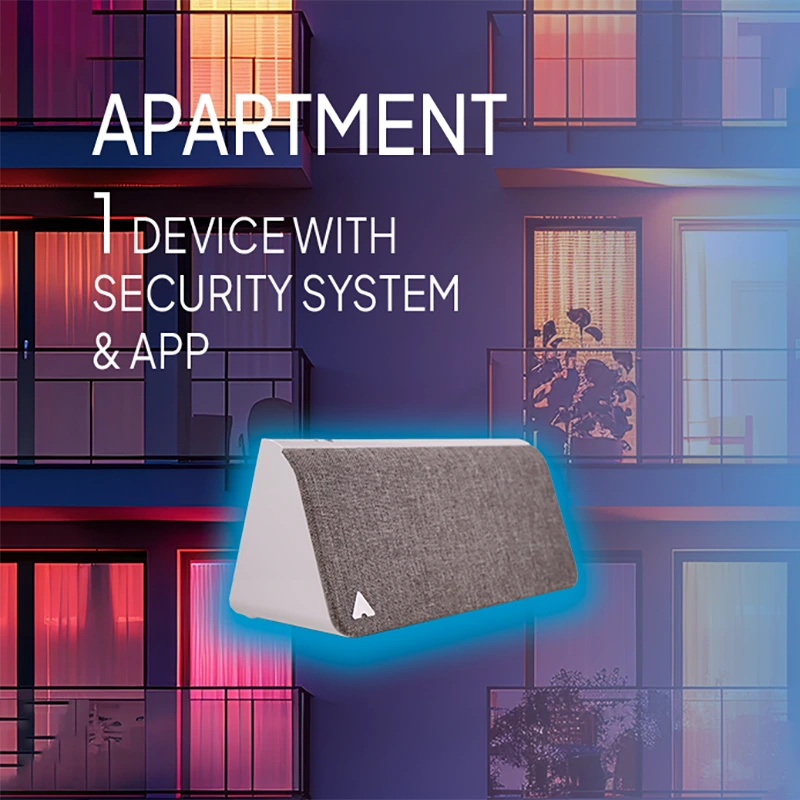
KEVIN® makes your home look lived-in: light, moving shadows and AI-generated everyday sounds that never repeat. No camera, no microphone, with a 3-year warranty.
6Frequently asked questions
Does the Home Assistant integration cost anything?
No. The integration is free for all KEVIN® devices, with no subscription.
Is this an official Home Assistant integration?
KEVIN® is compatible with Home Assistant. The integration is developed by Mitipi and offered in the Marketplace as a community integration; the source code is public on GitHub.
Do I need Home Assistant to use KEVIN®?
No. KEVIN® works as before with the KEVIN® app, schedules and geofencing. Home Assistant is an extra for everyone who runs their smart home with it.
Can I manage several KEVIN® devices?
Yes. You can organise several devices by room and location and control them on one dashboard.